x3
More visitors and pilgrims
A video tour at the top of the parish page holds attention far more than a photo album, and makes people want to come, take part, and come back.
A church rarely comes across well in photos: tricky light, lost volumes, missing atmosphere. Upload your photos — forecourt, nave, chancel, stained glass, cloister, organ — and AI animates them into short tours: the place finds its light again, the camera moves through the space, and you get a video per place, per feast day or per donation campaign.
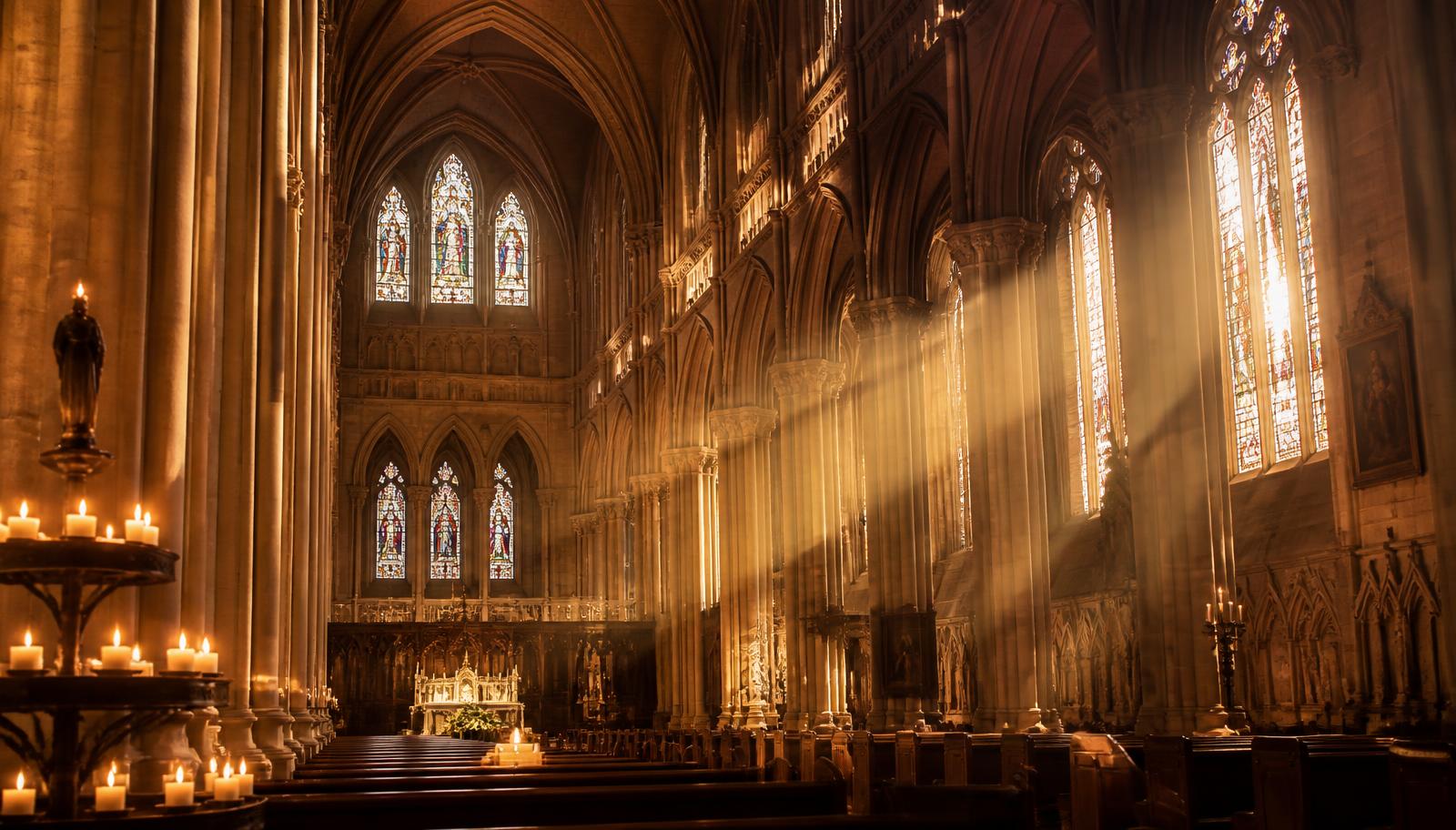 Before — the photo
A church rarely comes across well in photos: the light is tricky, the volumes get lost, and the feeling of the place disappears. Video is the only format that lets visitors step into the nave, look up at the stained glass and sense the silence. No shoot needed here: your existing photos are enough, the place is shown in its best light and the camera moves through the space, with the respect due to a place of worship.
x3
A video tour at the top of the parish page holds attention far more than a photo album, and makes people want to come, take part, and come back.
5 min
Upload the photos, the AI animates each place — nave, chancel, stained glass, cloister — and the film assembles itself. The time of a service, not a full day of filming.
0 €
No crew inside the church, no cables or lighting rigs to install: your photos and your phone are enough.
All year round
Patronal feasts, organ concerts, catechism, restoration campaigns: one video per purpose, ready for the diocese website, the newsletter and social channels.
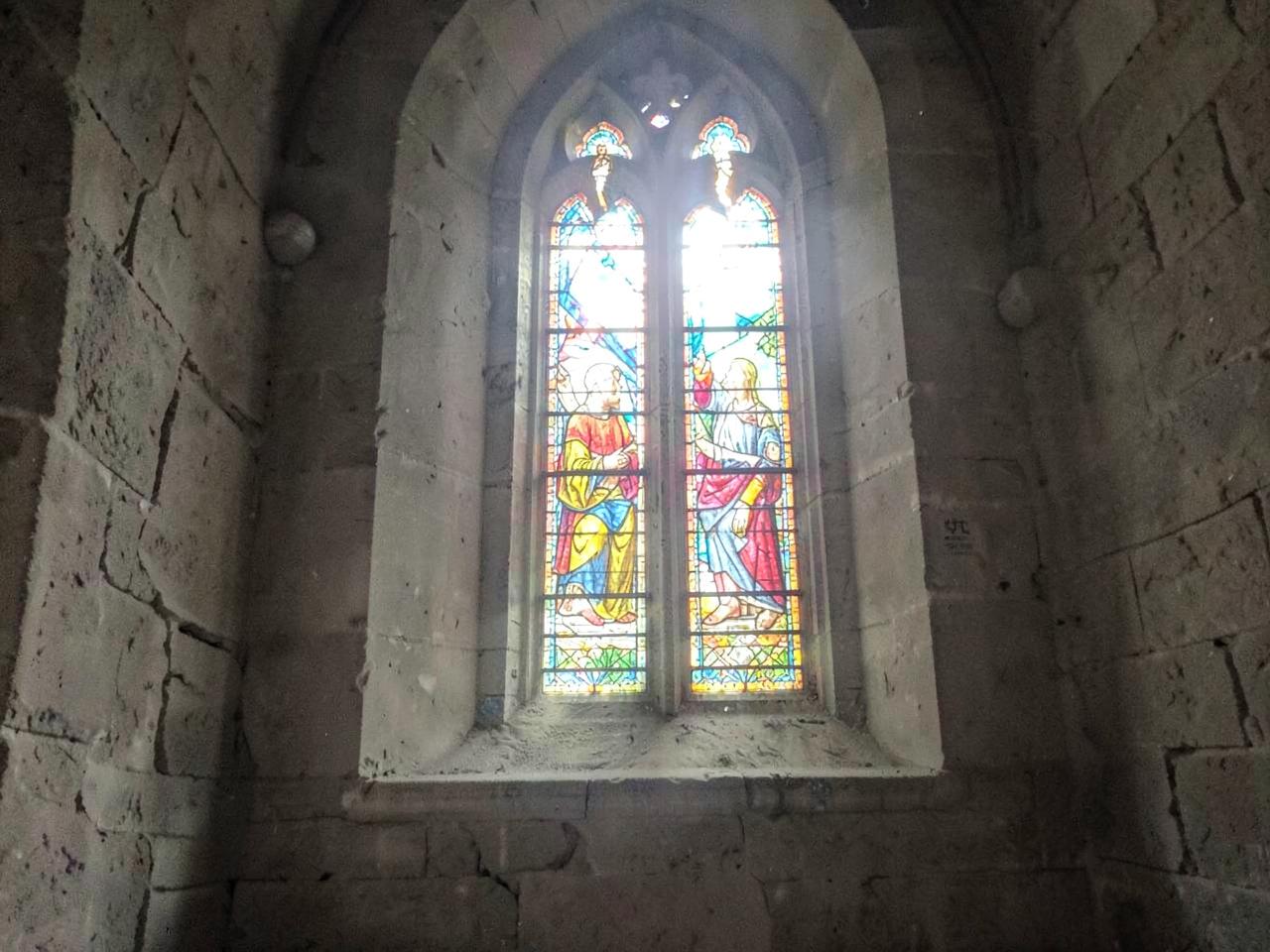
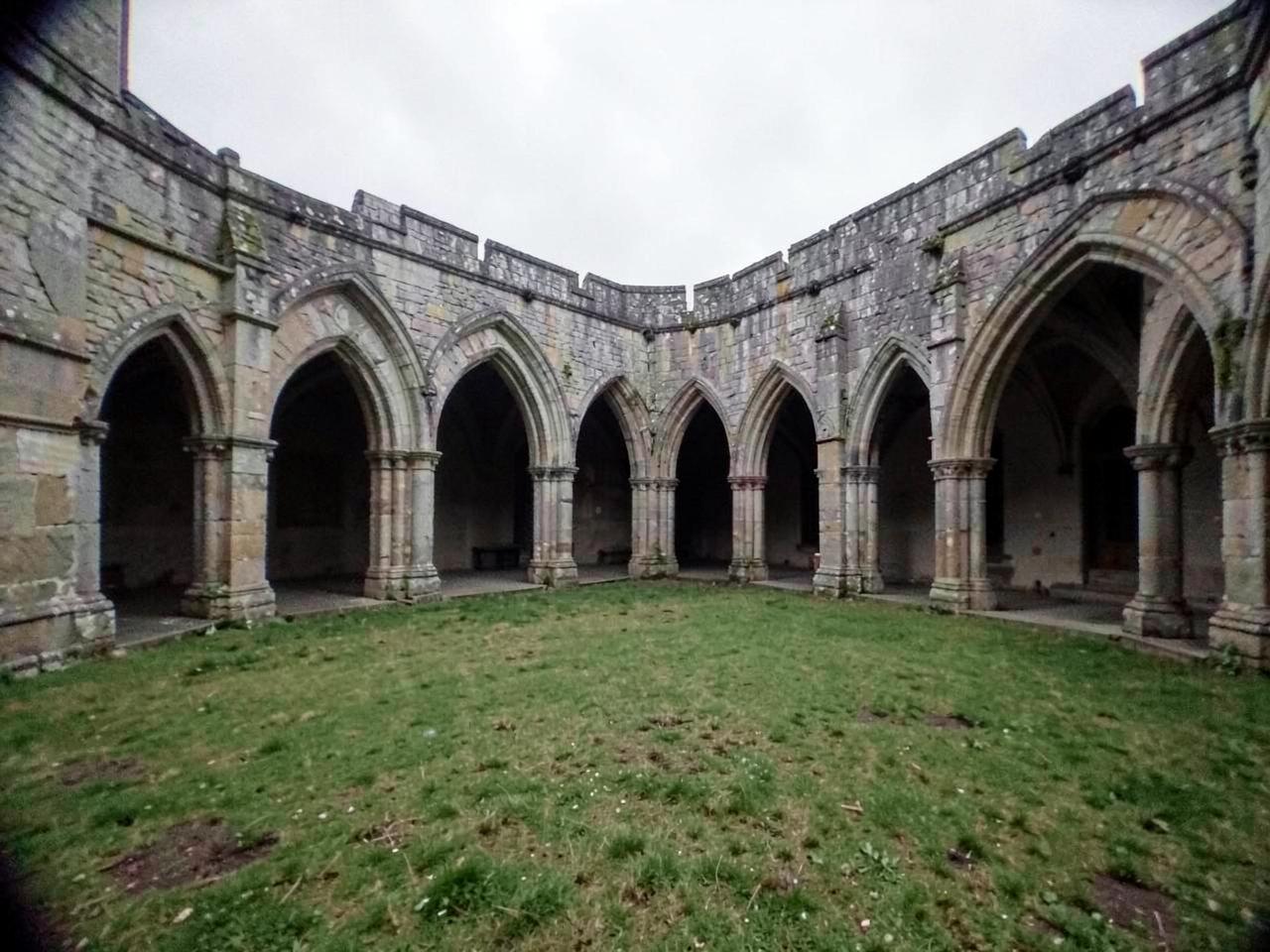
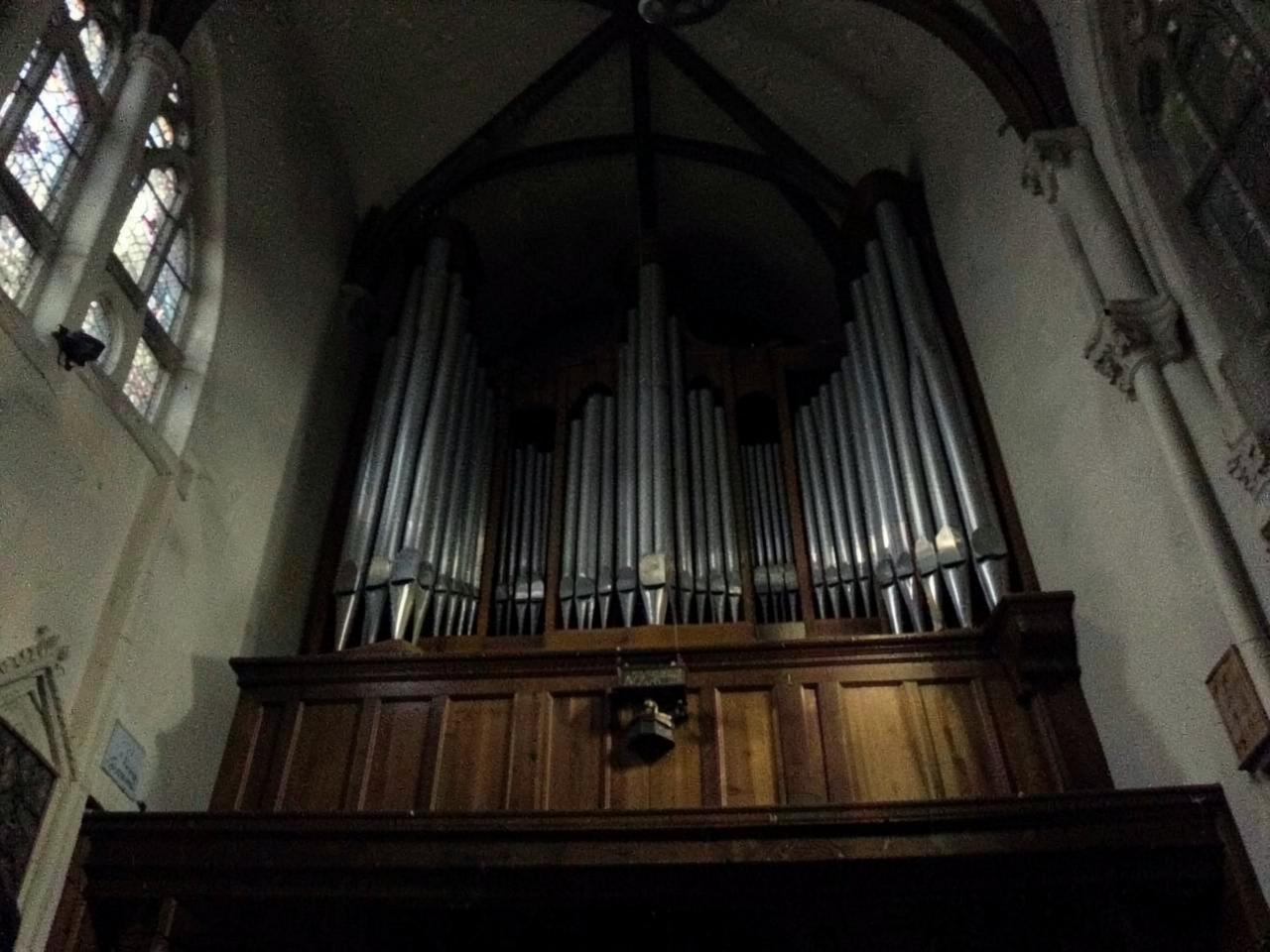
On the left, the photo straight out of the phone: flat light, neon glare, dark interior, grey sky. On the right, the shot ImaScreen produced from that single photo — the place finds its light again and the camera moves through the space. The forecourt outside, the nave, the chancel and altar, the stained glass, the cloister and the great organ. The architecture, the volumes and the liturgical furnishings are always respected: nothing is invented or moved.
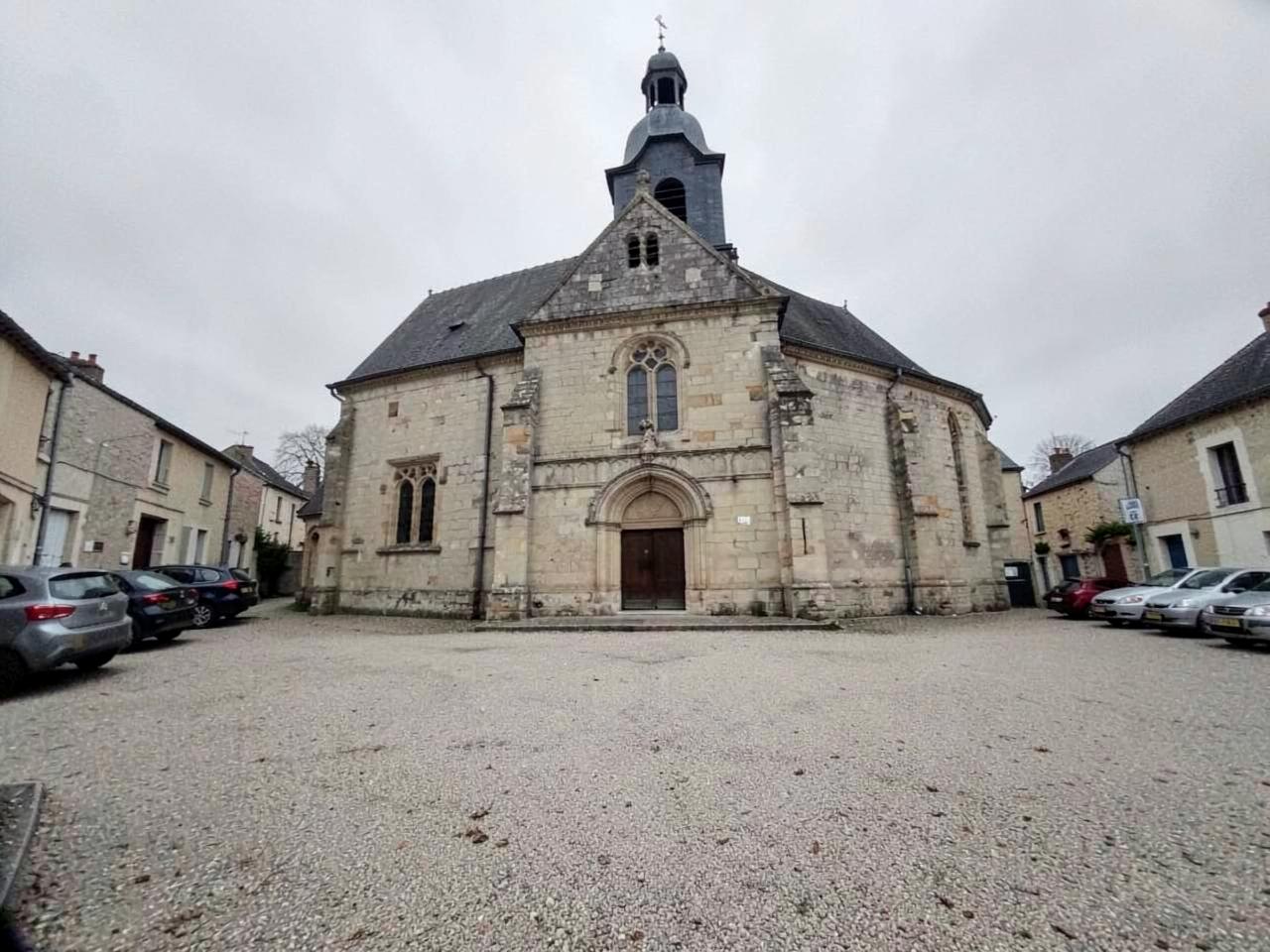 Before — the photo
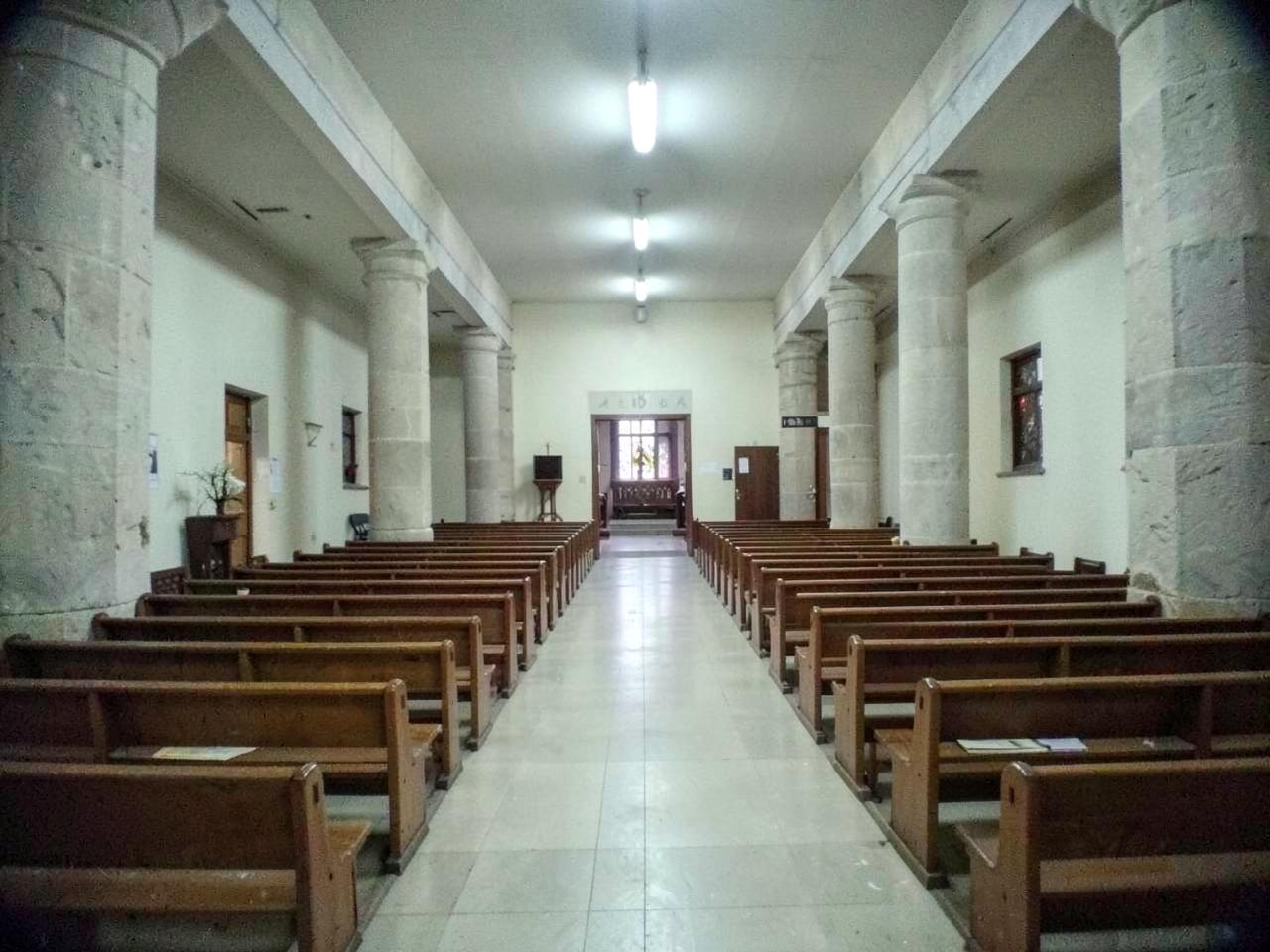 Before — the photo
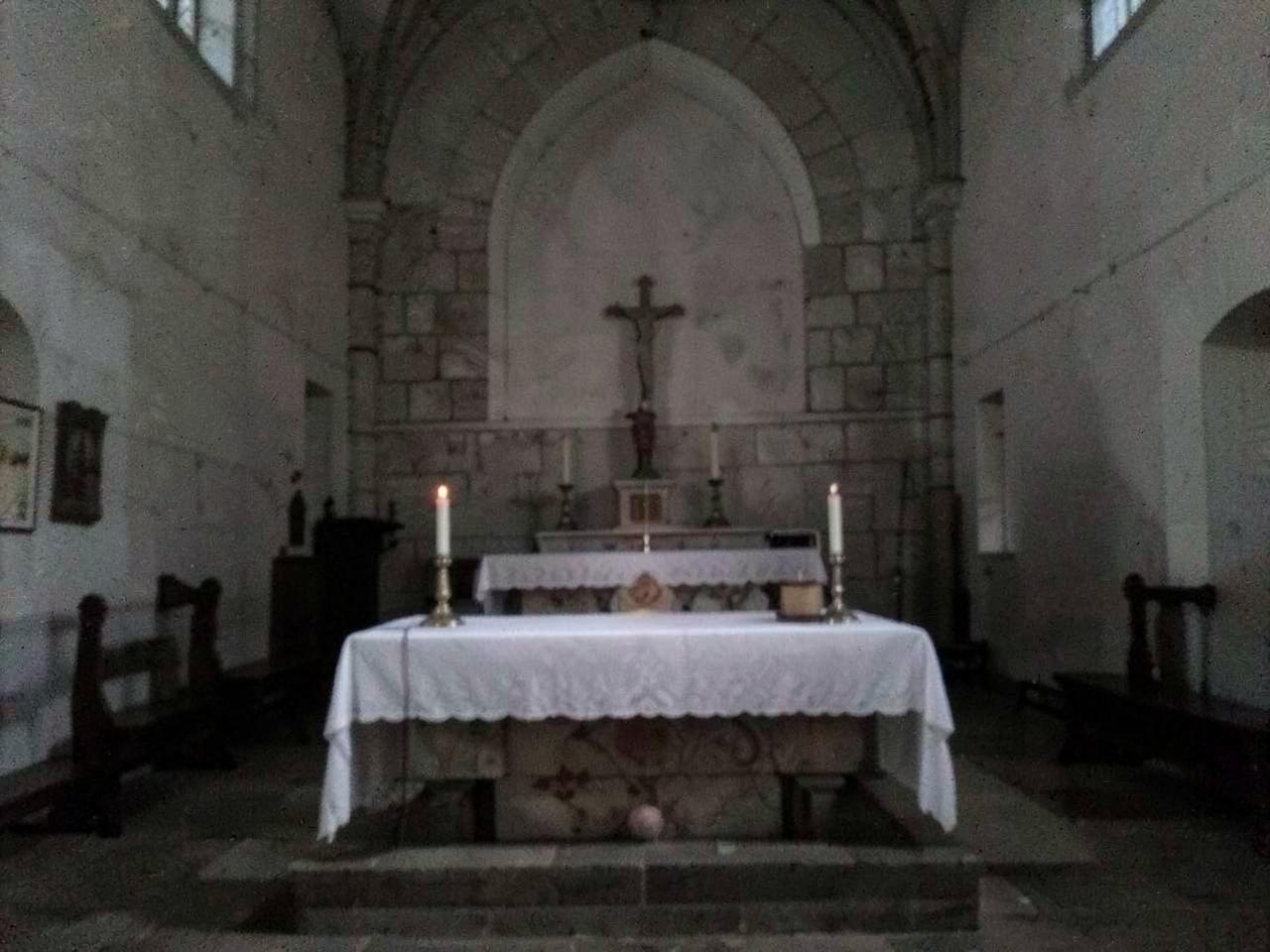 Before — the photo
 Before — the photo
 Before — the photo
 Before — the photo
ImaScreen isn't only about video. For parishes, sanctuaries and dioceses that want it, we take on the whole communication: a parish or diocese website with a schedule of services and online donations, video production of the places and celebrations, and image consulting that respects the place and the liturgy. One contact, a consistent graphic line from the website to your social channels.
welcome@imascreen.app·Write to us, we review your project within 48 hours.
A clear, fast site, with the schedule of services, news, catechism sign-ups and online donations.
Animated shots from your photos: a tour of the heritage site, announcing a concert, a call for donations for a restoration.
Guidance on shooting and the right tone, to speak to both the faithful and passing visitors, without ever betraying the place.
Photos or videos of the location, multiple selection. No shoot, no gear needed: what you already have is enough.
Each image becomes a shot with camera movement. Not happy with a shot? It regenerates on its own, without touching the others.
Titles, logo, music, shot duration, toggleable subtitles: the film is set up without any editing software.
Export as .mp4 or .mov in Full HD without a watermark, or schedule publishing to your networks in the right format.
The camera moves up the central aisle and conveys the height: the shot that makes people want to push the door open.
A slow, quiet move towards the chancel, the candles and the stone.
A vertical glide along the window, as light crosses the colours.
Along the arcades, shadows and garden: the calm of the place, in a single shot.
A move across the square towards the facade and bell tower, at golden hour.
The camera rises towards the gallery and the pipes: the ideal shot to announce a concert.
Leave your email: we'll send you examples of animated churches & dioceses shots and the settings that work, then you try it out with 120 free credits.
Your photos are enough to get started
120 free credits, no card required.